Robot simulation & prototyping

Robot simulation & prototyping.

Motion studies, application test environments and feasibility work for robotics teams. Start with one task and leave with something your team can review, run and build on.

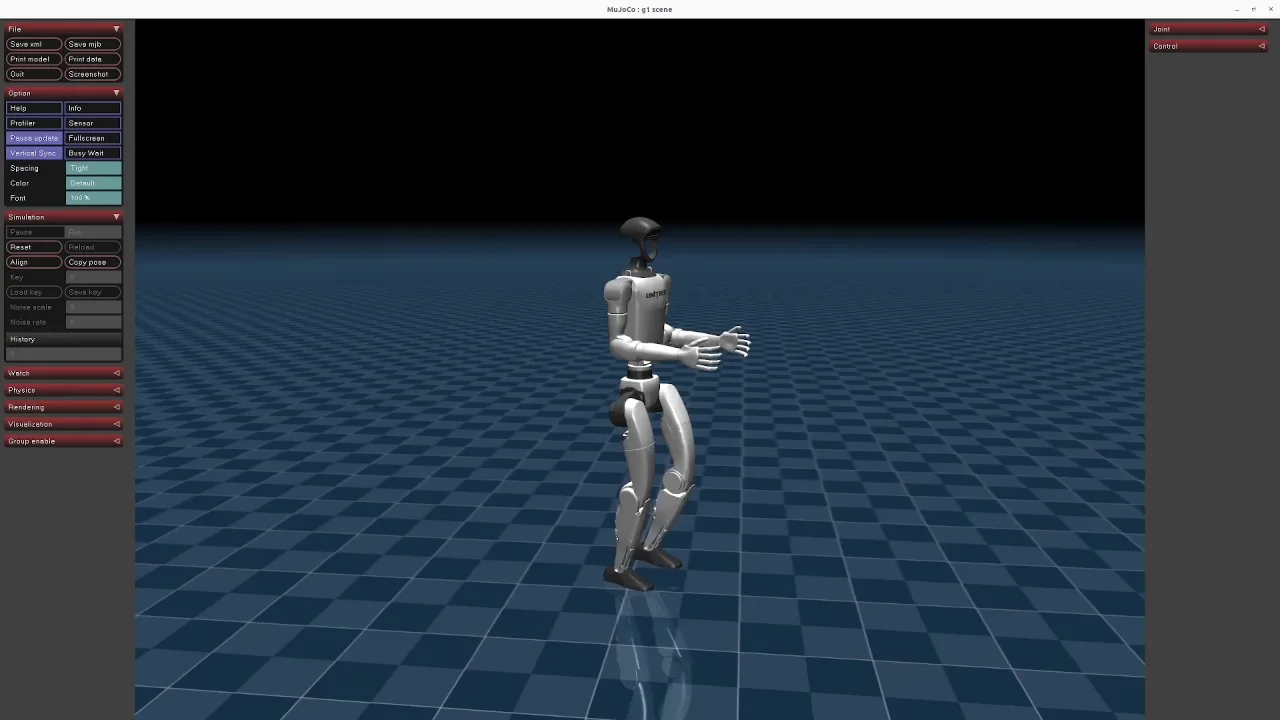
Unitree G1 humanoid shown in the official MuJoCo simulation with a blue checked floor
MuJoCo simulationOfficial reference: Unitree Robotics
Inside the simulator

Humanoids and robot dogs. Before the hardware test.

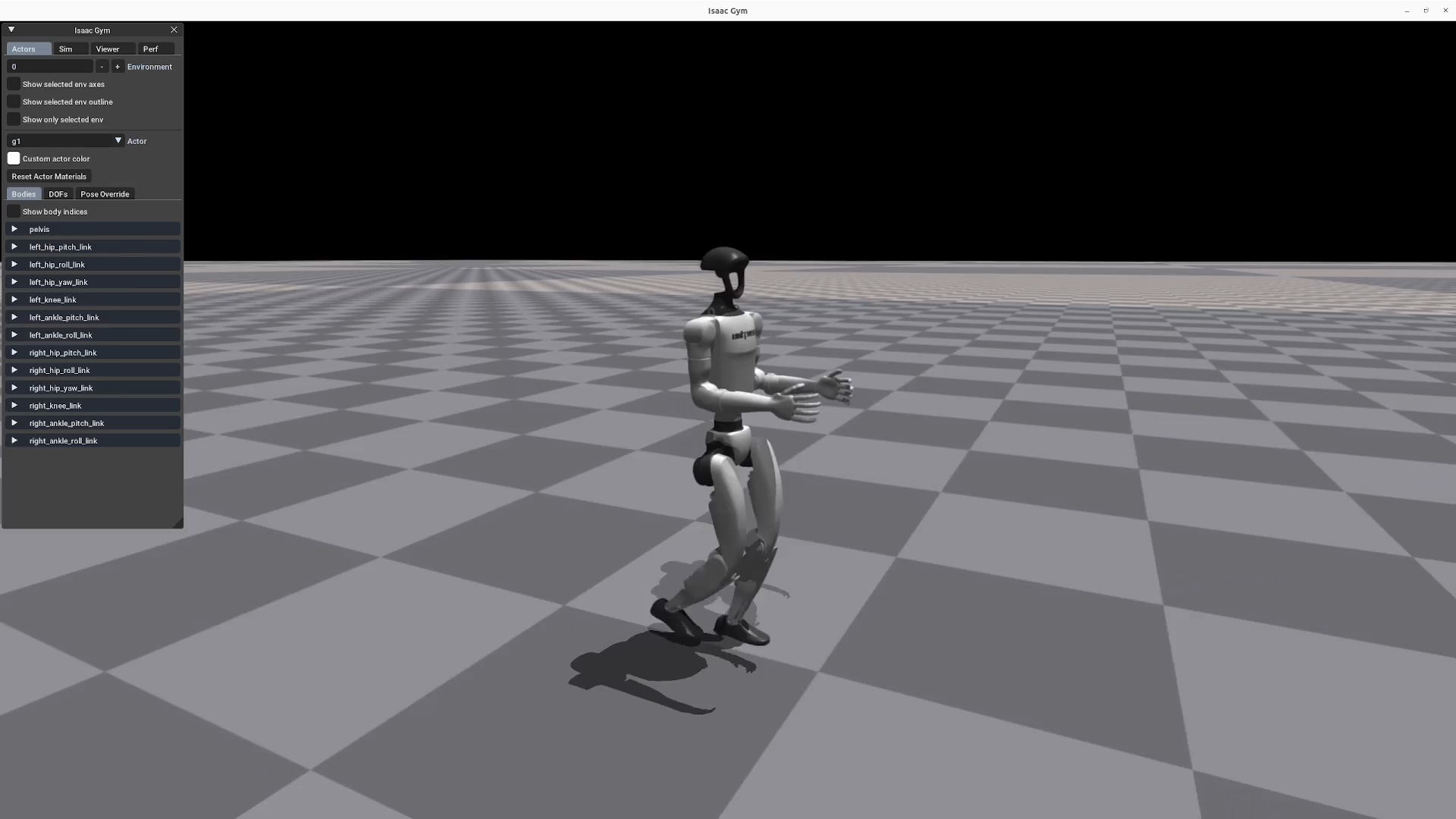
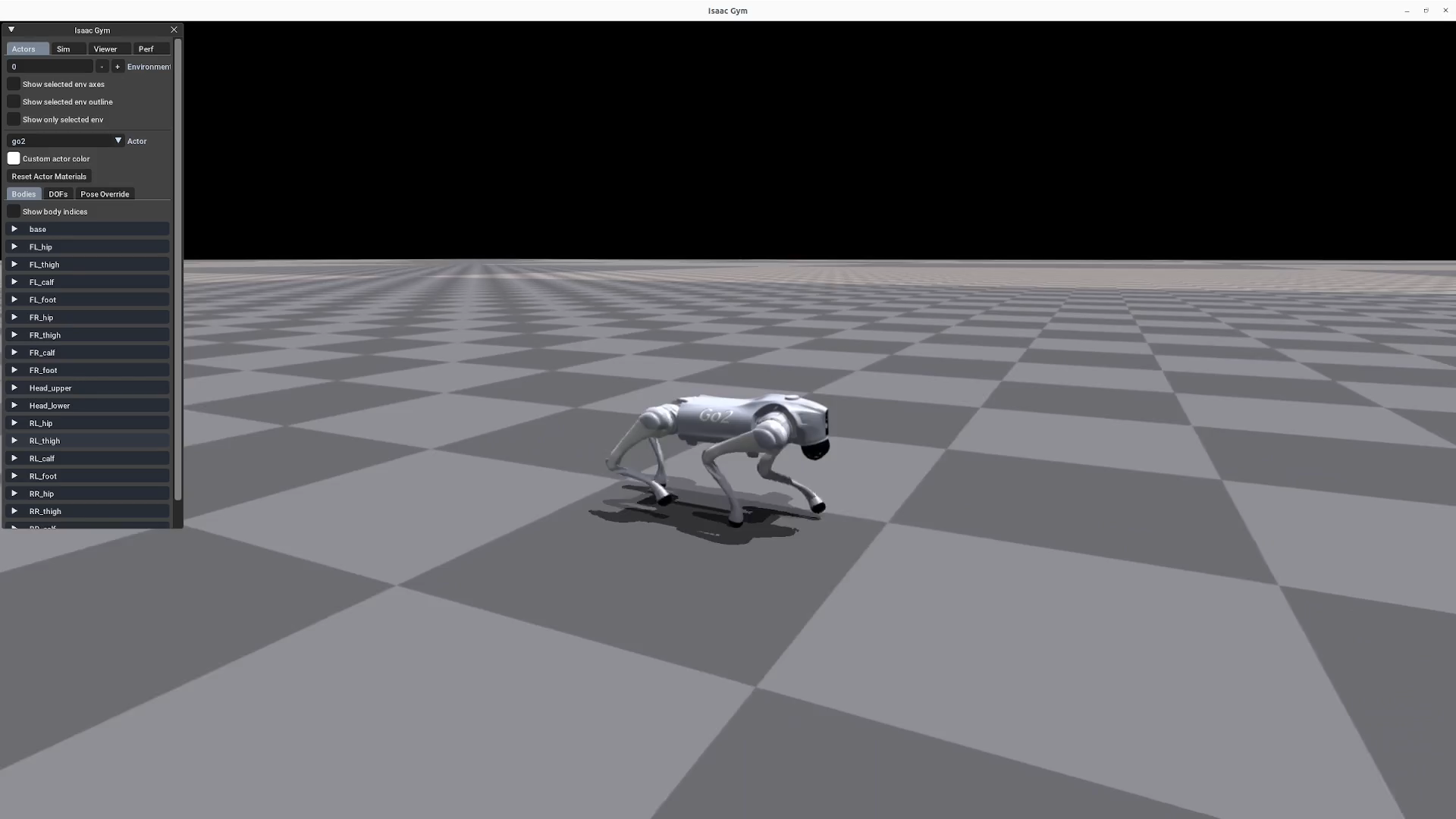
Two official Unitree examples show locomotion in a virtual environment.

G1 humanoid simulationIsaac GymOpen video ↗

Source: Unitree Robotics · RL Gym. Official simulation reference.

Video loads from Unitree when you press play.
Go2 robot dog simulationIsaac GymOpen video ↗

Source: Unitree Robotics · RL Gym. Official simulation reference.

Video loads from Unitree when you press play.
Three ways to start

A defined project. A useful handover.

Choose the question you need to answer. We agree the model, deliverables, review point and price before development starts.

01

Motion preview

Gestures, dance studies & demonstrations

Turn a reference or an idea into a short motion study for an agreed robot model. Review the poses, timing and sequence before deciding how to take it further.

What you receiveA rendered preview, agreed motion or keyframe files, and notes on the model and its limitations.

Useful for a supplier or event operator planning a customer demonstration.

Discuss this project
02

Application test environment

Workflows, inputs & robot responses

Develop a test environment around one application workflow. Use agreed simulated inputs and robot states to examine how the software responds, including interrupted or incomplete interactions.

What you receiveRunnable test code, representative scenarios, a recorded walkthrough and setup instructions.

Useful for a supplier or development team preparing an application before hardware integration.

Discuss this project
03

Task feasibility study

One question, a defined investigation

Investigate a specific movement or application constraint. We agree what can be assessed with the available model and tools, then document the result and the next engineering step.

What you receiveAn agreed model or test setup, visual evidence, findings and a recommendation for the next milestone.

Useful when a product team needs evidence before committing to a larger development project.

Discuss this project
What the result tells you

Match the test to the question.

Each proposal states the level of testing included and the assumptions behind the result.

  1. 01 / Visual preview

    How does the sequence look?

    Review poses, timing and the intended sequence before choosing the next test.

  2. 02 / Physics simulation

    How does the model behave?

    Where included, examine the agreed behaviour using a physics model. The findings depend on the model, controller and test conditions.

  3. 03 / Hardware validation

    How does the actual robot perform?

    Plan a separate test milestone around the exact robot, software access and operating environment before physical deployment.

To put a scope together

Show us the task you have in mind.

A short brief is enough to start. A reference video, sketch or existing project can help us understand the intended result.

Contact us about simulation
The robot
Model, edition and any available model files, SDKs or hardware access.
The task
The movement or workflow, who will use it and the question you need answered.
Your starting point
Reference footage, code, scenes or motion data that you can share for the project.
The handover
Your deadline, budget range, preferred file formats and how you will review the result.
Simulation questions

Before we scope the first build.

Discuss your requirements
Can we start before we have a physical robot?

Yes, for a suitably scoped software prototype or motion study. We first check the available robot model, documentation and software interfaces. The proposal identifies which questions can be answered offline and which need access to the actual robot.

Which robots and simulation tools do you work with?

Our current development experience centres on Unitree G1, with pose preparation, retargeting and MuJoCo experiments. We assess other humanoids and robot dogs individually. A usable model, the exact hardware edition and SDK access help determine the scope.

Does a simulation mean the movement will work on our robot?

Physical performance needs its own validation. A visual preview can show a sequence; a physics simulation can examine behaviour within its model and assumptions. Neither establishes safe execution on your hardware. Hardware testing, controller work and commissioning are separate milestones when they are part of the project.

What files and documentation will we receive?

The proposal lists the handover files and formats before development starts. Depending on the project, these can include keyframes or motion data, a runnable scene or test environment, code, a video and findings. We also document dependencies, setup steps and any third-party asset or software requirements.

How much does a simulation project cost?

We quote after reviewing the robot model, the task, available assets and the result you need. A useful starting point is one paid milestone with an agreed demonstration and handover. Model preparation, new integrations and hardware testing are identified in the scope where needed.

Robot simulation & prototyping

What do you need to find out?

Tell us about the robot, the idea and the decision you need to make. We’ll help define a practical first milestone.

Discuss a simulation project